Quick Look Support
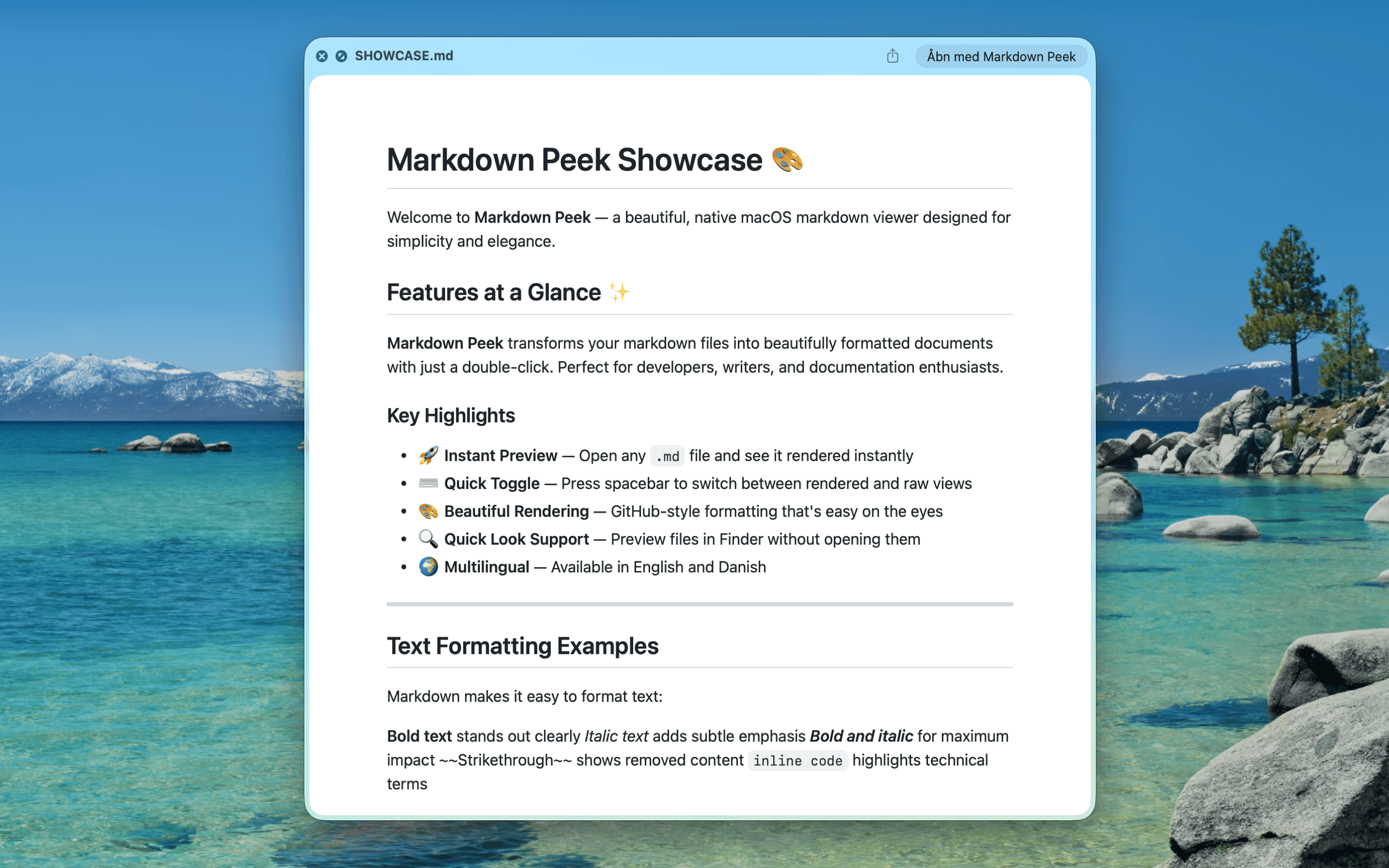
Preview Markdown in Finder
Press Space in Finder to instantly preview any .md file. No need to open an application - see beautifully rendered markdown right where you browse files.
Why You'll Love It
- 1Preview markdown files without launching any app - just press Space in Finder
- 2See fully rendered formatting including headings, lists, code blocks, and tables
- 3Navigate through your project files and preview READMEs instantly
- 4Works system-wide across all Finder windows and file dialogs
- 5Perfect for quickly scanning documentation while browsing repositories